


If you encounter an issue with the extraction of your coffee pods, the first step is to reset your machine back to its factory settings. Common issues that can occur include the size or duration of the extraction and pods getting stuck in your machine.
EXTRACTION ISSUES
The extraction time for your pods using the Espresso button should be between 15–30 seconds, and you should be left with around 40 ml of coffee. If you find the extraction is taking longer than 30 seconds or shorter than 15 seconds, try resetting the machine back to factory defaults.
Due to the automatic slider on the Nespresso U machine, sometimes pods can get stuck. Resetting the machine allows you to manually open the slider and remove the pod.
The above tutorial video shows how to reset the Nespresso Essenza Mini machine and below are the steps to follow for other Nespresso OriginalLine machines.
Nespresso Essenza Mini
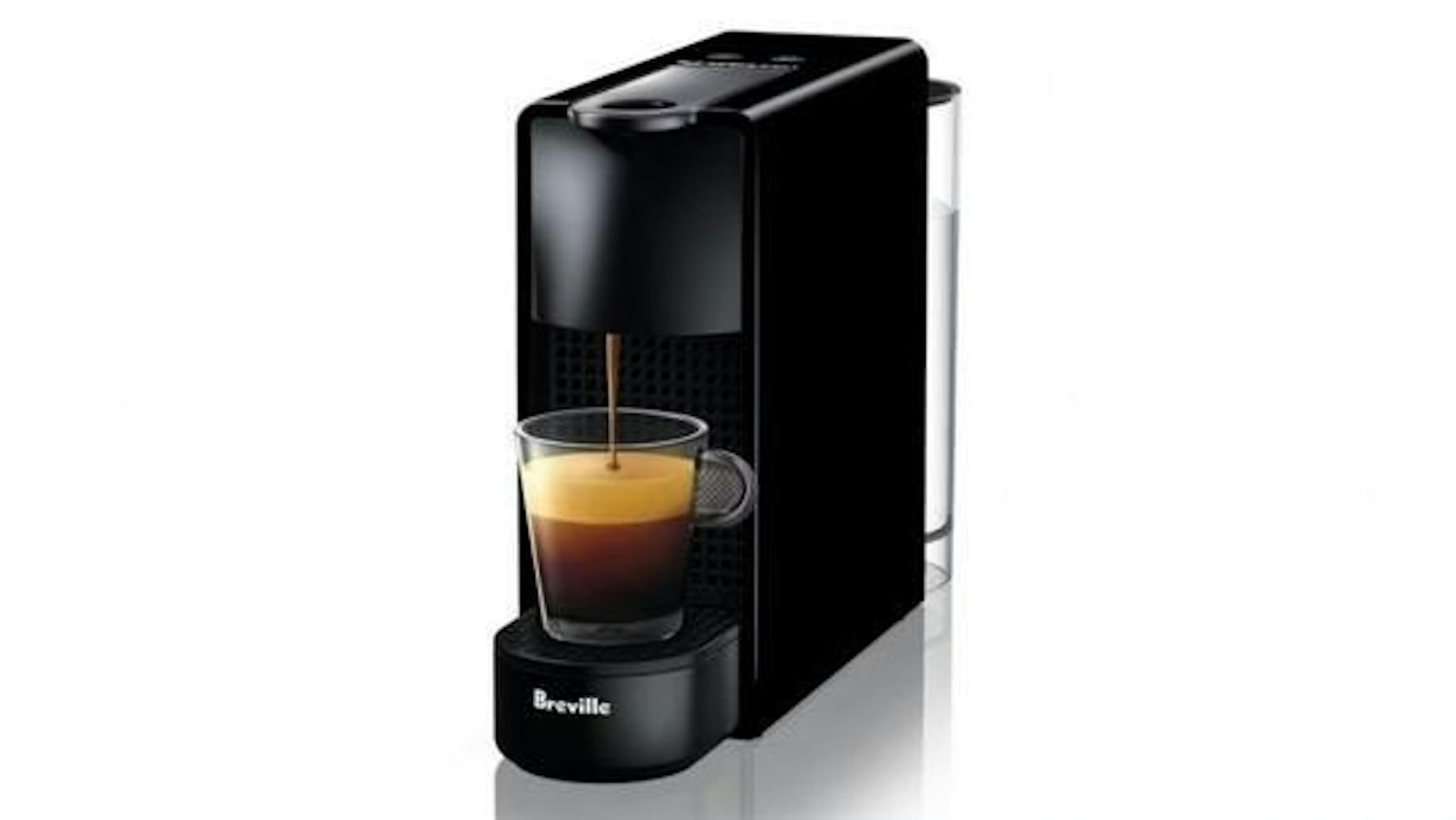
- With the machine turned off, press and hold down the Lungo button for 5 seconds.
- The LEDs will blink fast 3 times to confirm the machine has been reset to Factory settings.
- The LEDs will then continue to blink normally as the machine heats up until ready to use.
- When the LEDs are steady the machine is ready to use.
Nespresso Lattissima One
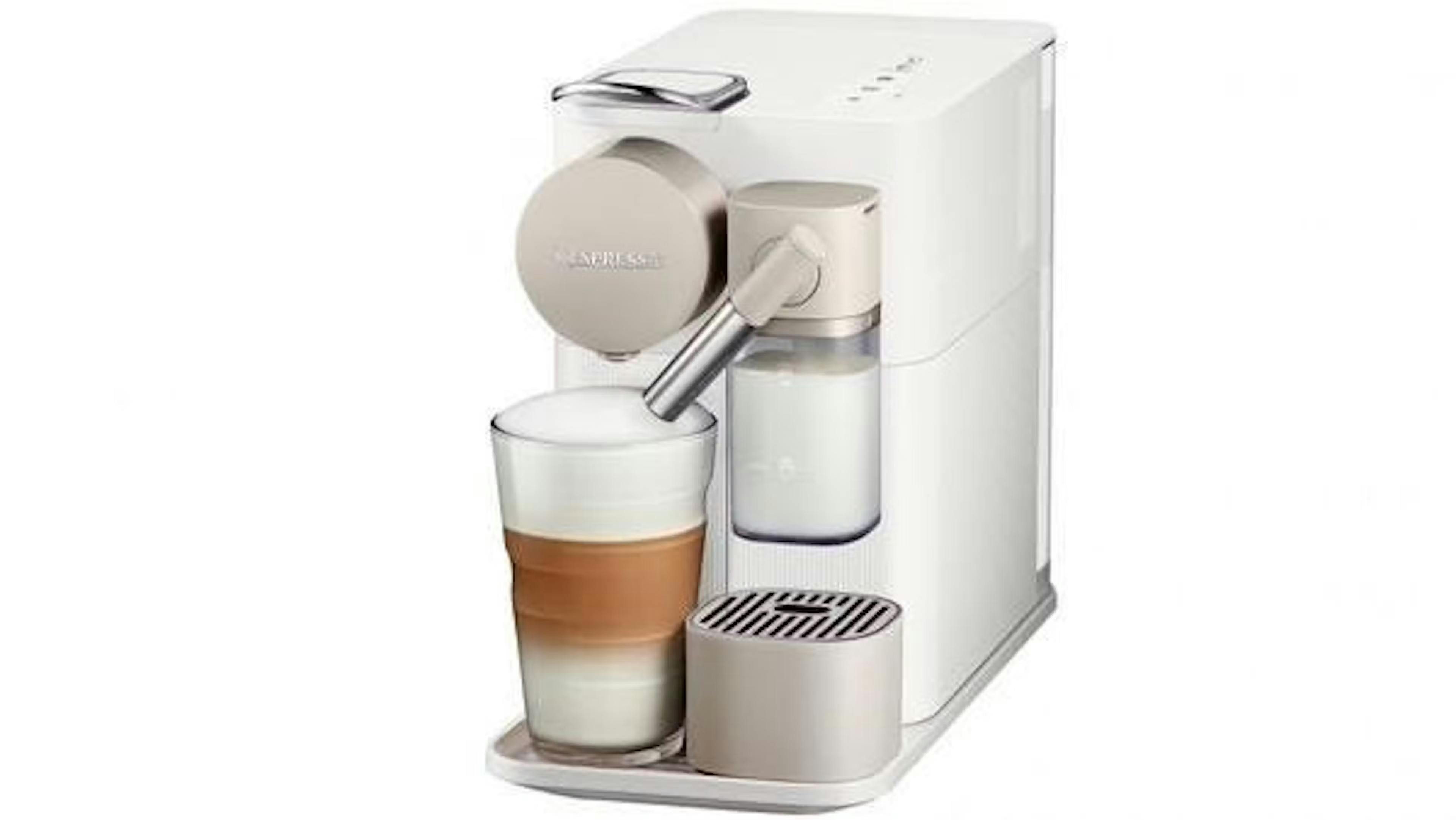
- Switch the machine on.
- Remove the milk jug.
- Press the milk button for 3 seconds to enter Menu mode.
- The Descaling and clean alert will start blinking.
- Press the Milk button. The Milk button will blink to indicate reset mode.
- Press the Milk button again to confirm. All buttons will blink 3 times.
- The menu will exit automatically, and the machine will be ready to use.
Nespresso Inissia
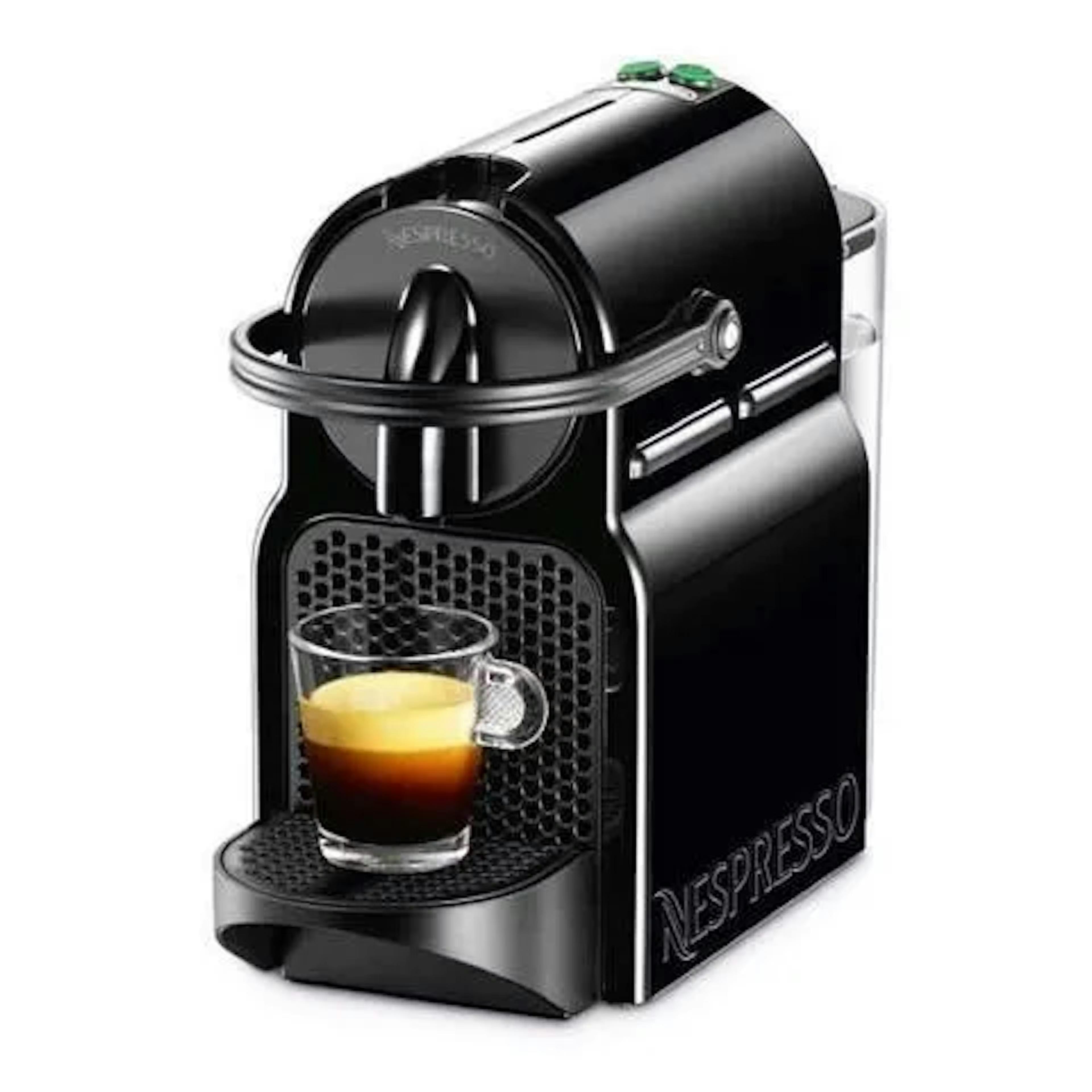
- Turn the machine off.
- Press and hold down the Lungo button for 5 seconds.
- The LEDs will blink fast 3 times to indicate it has been reset to Factory settings.
- The LEDs will continue to blink normally as the machine heats up until ready to use.
- Steady lights: machine is ready.
Nespresso Citiz
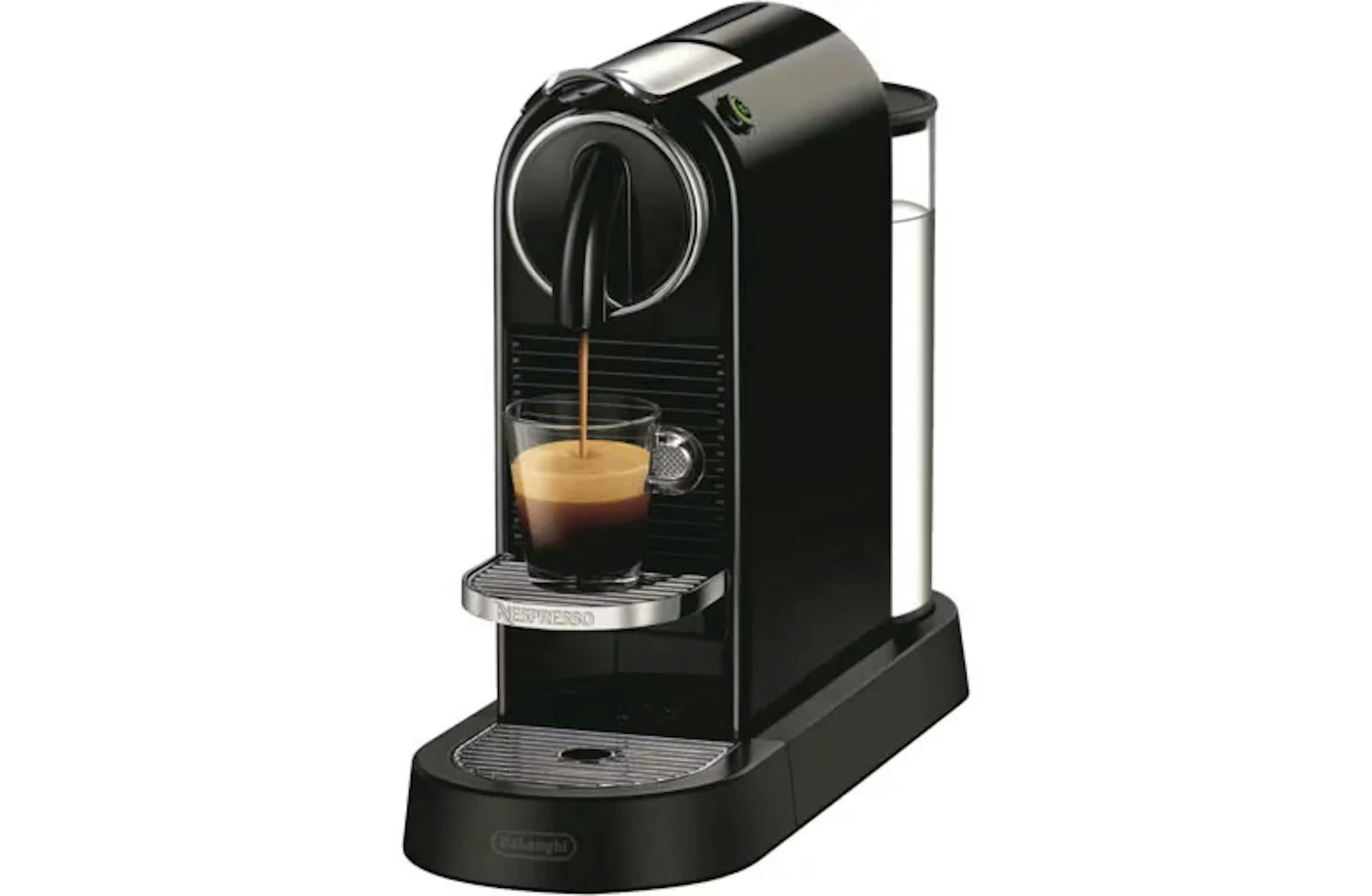
- Turn the machine off.
- Press and hold down the Lungo button for 5 seconds.
- The LEDs will blink fast 3 times to indicate it has been reset to Factory settings.
- The LEDs will continue to blink normally as the machine heats up until ready to use.
- Steady lights: machine is ready.
If you're still having issues after resetting your machine, you may want to try cleaning the grid plate inside the machine.
QUESTIONS? QUERIES? WANNA SAY HEY?
Check out our FAQs, send me an email at hello@urbanbrew.co.uk. We are happy to help!
Be happy,

Toby Strong (aka The Podfather)
Founder & Customer Happiness Specialist